Getting Started
Welcome to Heyo, your all-in-one AI production studio. This section helps you get set up and understand the interface.
1.1 Creating Your Account
Sign Up
Navigate to the login page and sign up using your email or Google account.
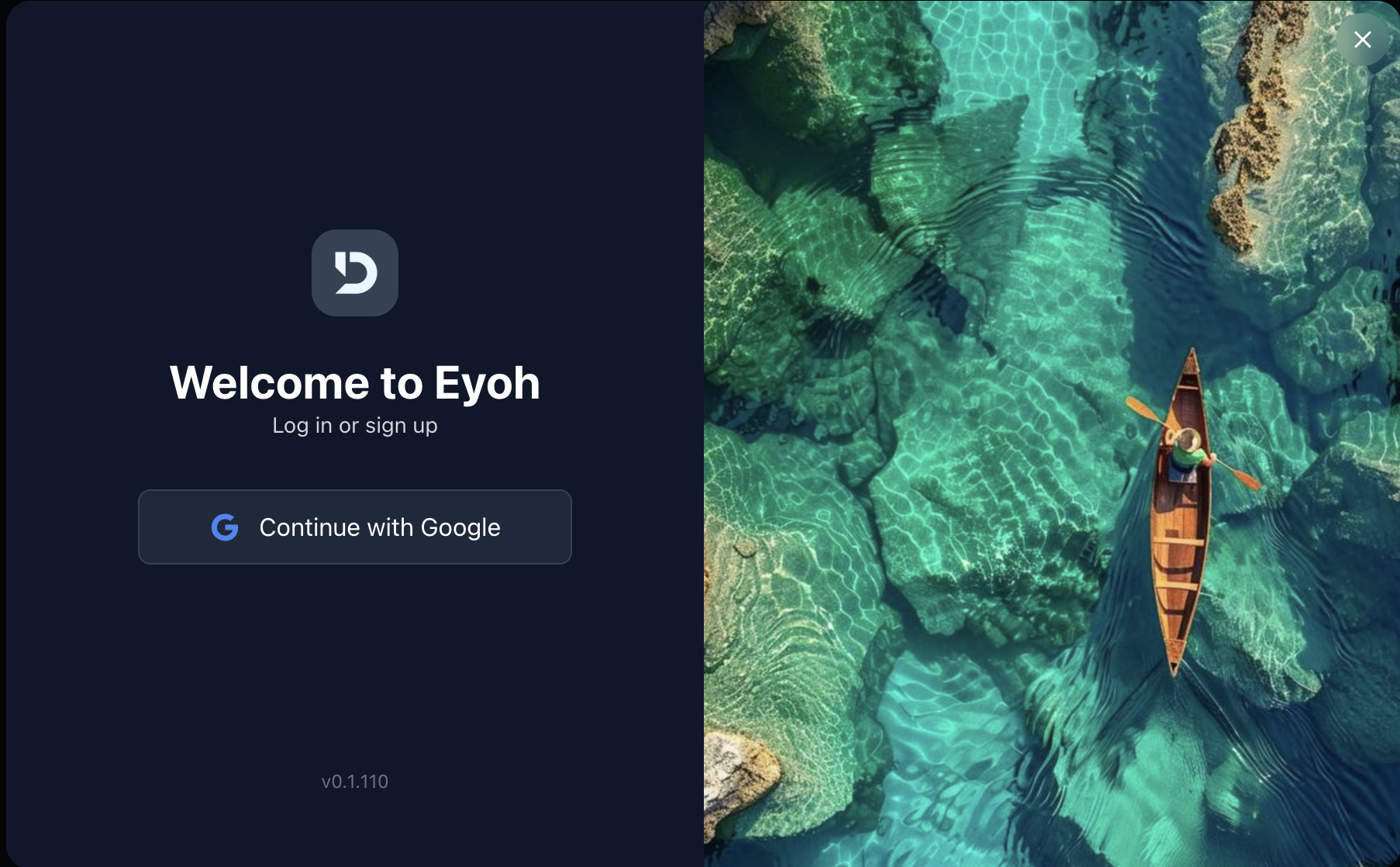
Onboarding
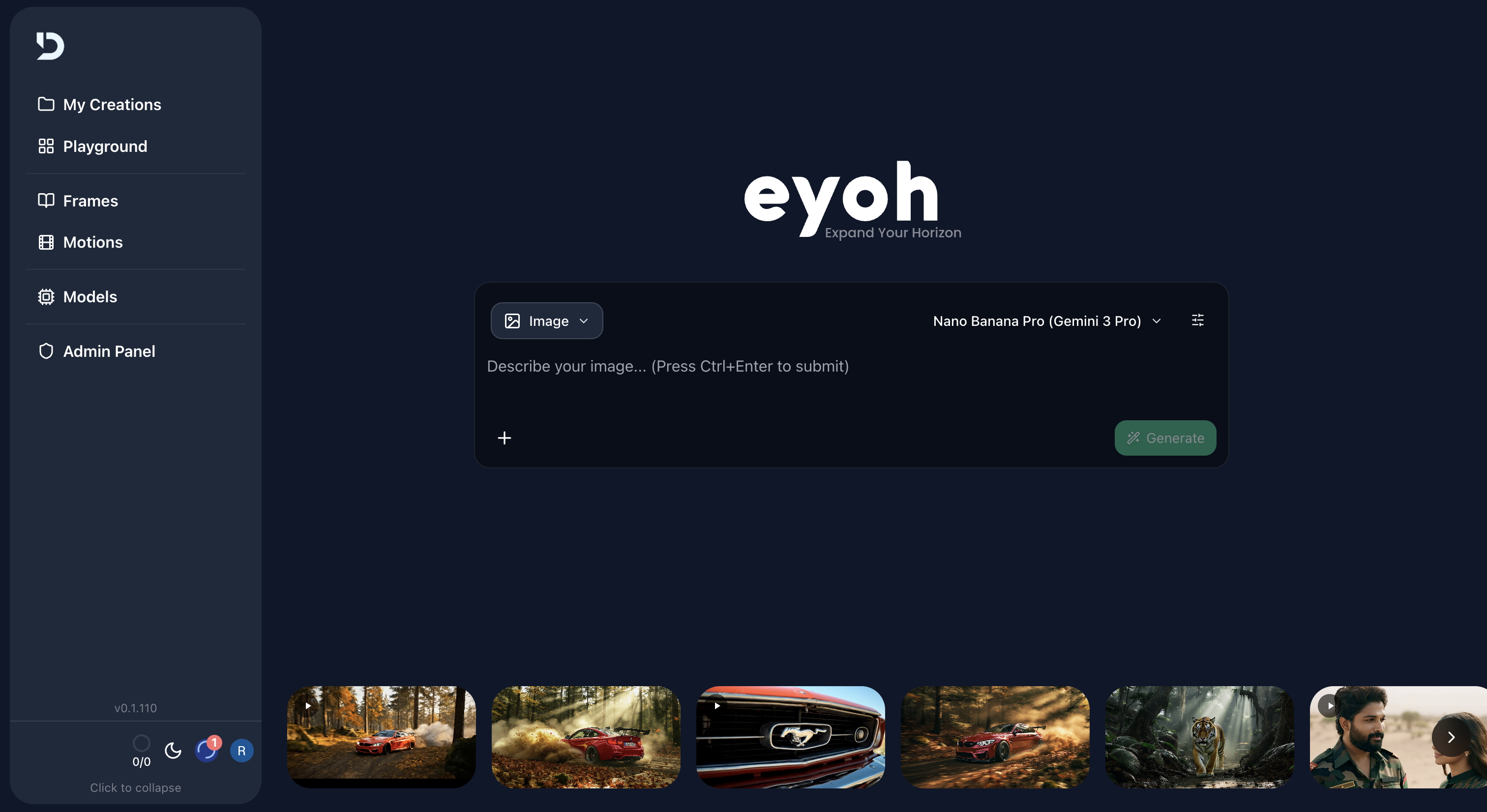
After your first login, you’ll land on the Dashboard.
Key areas to notice:
- Credit Balance (top-right)
- Prompt Bar (center)
Choosing a Plan
Heyo uses a credit-based system.
- Free users start with 100 credits
- Paid plans unlock:
- Watermark-free exports
- Premium models (e.g., Veo 3.0)
Visit the Pricing tab to upgrade.
1.2 Understanding the Interface
Canvas
Located at the bottom — this is where Frames, Shots, and Scenes are visualized.
Prompt Bar
The central input area where you type prompts such as:
“Cinematic wide shot of a cyberpunk city”
Sidebar Overview
- 📁 My Creations — Manage generated content
- 🔲 Playground — Organize projects and episodes
- 🎞️ Frames — Convert scripts into visual storyboards
- 🎥 Motions — Generate videos and animations
- 💠 Models — Available image/video AI models
- 📂 Folder — Organize and share content
- 🗑️ Trash — Recover deleted items